
How YoungPlanet works
Share what they've outgrown. Save on what comes next. YoungPlanet brings free family sharing and optional member savings together in one app.

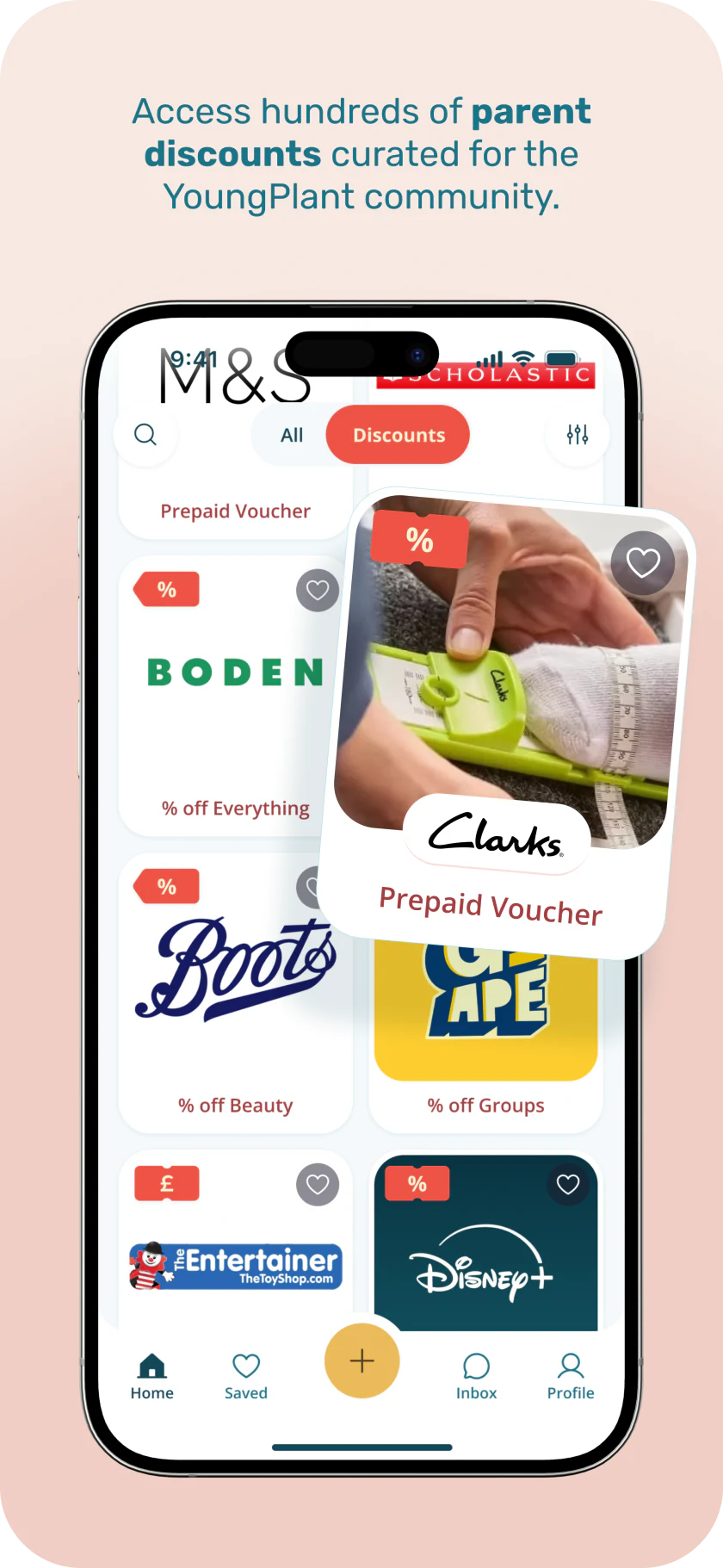
More ways to save with optional membership
Start with the free marketplace. Add membership when you want access to parent-focused offers and an earlier look at newly listed items.
The UK App Store lists membership at £1/month or £6/year. Available plans, billing periods and renewal terms are shown in your chosen store or in the web app before you subscribe. Marketplace sharing remains free.
UK App Store membership options. Checked 10 November 2026.
Explore the full membership benefits- Retailer discount codes
- Access member codes and redeem links from participating brands for purchases you make with the retailer.
- Savings on prepaid vouchers
- Buy available vouchers for less than their face value. A voucher is a separate purchase, with its total shown before you pay.
- A 24-hour head start
- See new marketplace listings 24 hours before they become visible to everyone. Items remain free, and early access does not guarantee availability.
Use a discount code with the retailer
Open an offer in the app to see the current saving, eligibility and instructions. Participating retailers and offers can change.
Find an offer that fits
Browse available offers and read the retailer's terms, including any exclusions or minimum spend.
Follow the offer instructions
Copy the code where one is provided, or use the redeem link to continue to the retailer.
Check the saving before buying
Apply the code as instructed and confirm the retailer's final total before completing your purchase.
Your order is placed with the retailer and follows its delivery, returns and other terms. Affiliate tracking is optional; declining it does not remove access to an offer.
How prepaid vouchers work
Voucher availability, savings and redemption options vary by participating brand. The app shows the details before checkout.
Choose a voucher
Browse participating brands and open a voucher to see its current saving and terms.
Select the value
Pick an available denomination or enter an amount where the brand supports it.
Review the total
Check the face value, member saving, any service fee and the final amount before paying.
Receive it by email
Your voucher details are emailed to you for use online or in store, depending on the brand.
Voucher value, member saving, any service fee and the final total are shown before payment. Check the individual voucher's expiry and redemption terms. Voucher checkout currently requires a UK-issued payment card.
A few things worth knowing
Is the YoungPlanet marketplace still free?
Yes. Giving and receiving pre-loved items through the marketplace remains free. Membership is an optional way to access extra savings and does not replace the free marketplace.
How do I manage or cancel membership?
Manage membership where you bought it. For a web purchase, open Membership in the web app and choose Manage subscription to open the customer portal. Follow its sign-in instructions using the purchase email. For an iOS or Android purchase, use the subscription settings for the App Store or Google Play account used to subscribe. Check the cancellation confirmation and access end date in that service.
Do I have to accept affiliate tracking to use an offer?
No. Where a retailer link uses affiliate tracking, YoungPlanet asks for your choice first. Declining does not remove the offer or affect membership, and a direct retailer link is used where available. YoungPlanet may receive a commission from tracked purchases at no extra cost to you, which helps to fund YoungPlanet™.
Spend less. Share more. Feel good.
Download YoungPlanet to start sharing for free. You can explore membership in the app whenever it suits your family.
Meet the people behind YoungPlanet
